Best Courier Dispatch Software for Small Courier Companies in 2026
Eight courier dispatch tools compared on price for 3, 5 and 10 drivers, free plans, and routes vs on-demand jobs.

Business
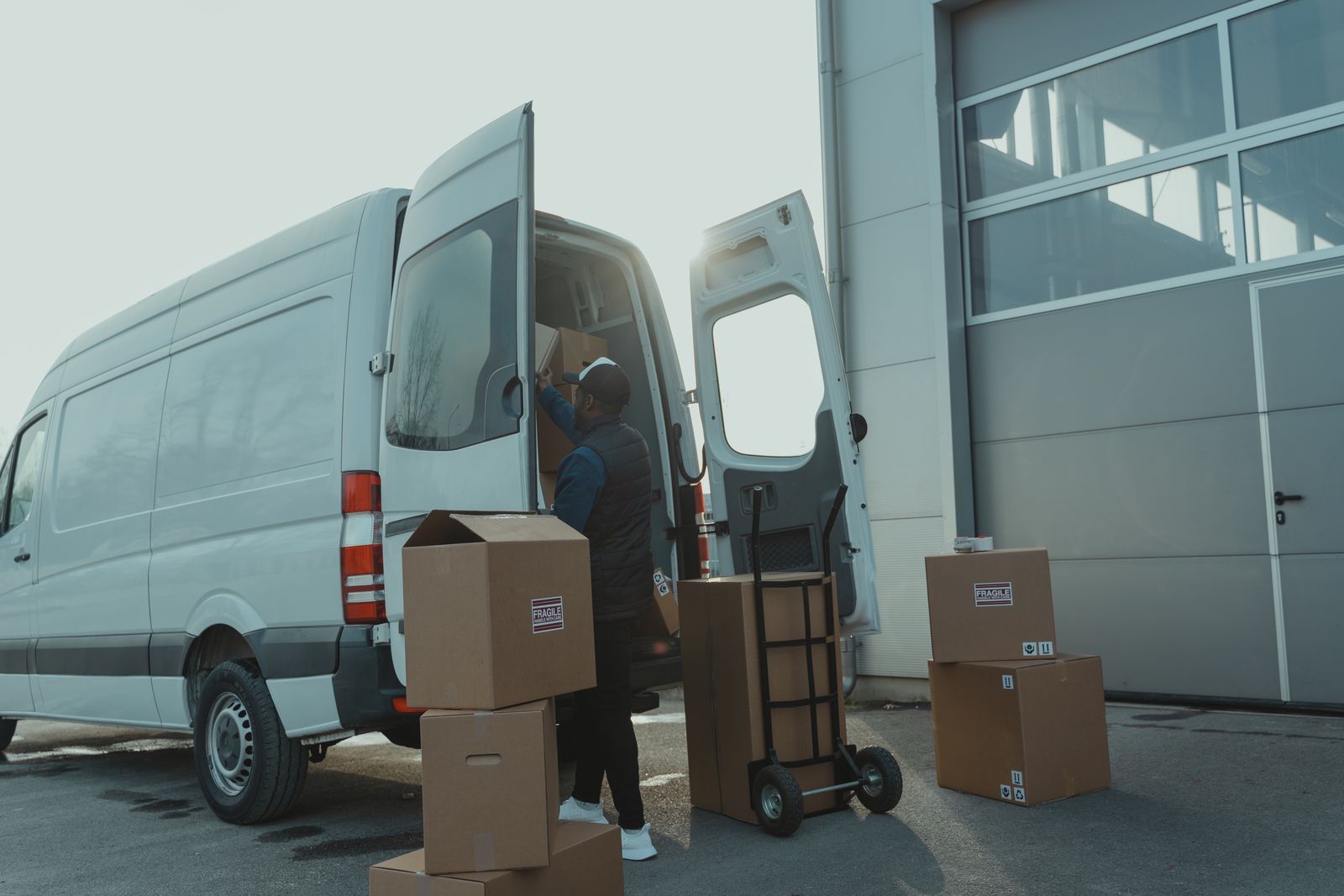
Three drivers are idling in the parking lot while the dispatcher copies addresses from an order spreadsheet into a group chat. Driver one gets fourteen stops, driver two gets nine, and driver three gets twenty-two — not because the work was split by geography or time windows, but because the spreadsheet was sorted alphabetically. By 11 AM, two vans cross the same intersection heading opposite ways. Then the phone rings: a customer whose pharmacy delivery was promised before noon wants to know where the driver is. The dispatcher has no answer, because once the vans left, the only tracking tool was a phone call.
Sound familiar? That is dispatch running on spreadsheets, group chats, and memory. Dispatch management software — a dispatch and delivery management system in one — replaces all of it: one place that plans routes, pushes them to drivers, tracks progress, and keeps proof of every drop.
Below: what breaks without it, what a dispatch system actually does, how automated dispatch and routing work, and how to tell delivery dispatch tools from the field service platforms that fill most “best of” lists. It is written for small delivery teams — three drivers to thirty — not for enterprise fleets with an IT department.
The spreadsheet itself is not the problem. The problem is that a spreadsheet cannot optimize, assign, track, or confirm anything. It holds addresses. Everything else depends on the dispatcher’s memory and on phone calls.
Here is the thing: this works at three drivers. It quietly falls apart at six. That is usually the moment teams start looking for small business dispatch software — dispatch software for small business that one person can run between customer calls — not because anyone is doing a bad job, but because there is no system underneath. If you are still deciding which half of the problem to solve first, read dispatching vs routing before you buy anything.
Vendors call it a dispatch platform, a dispatch system, dispatch management solutions, dispatch board software, a delivery dispatch system, or delivery dispatch software — and in the UK, despatch software. Strip away the vocabulary and dispatch and delivery software collapses five tools — spreadsheet, map, group chat, camera roll, and mental math — into one workflow:
The point is not adding technology for its own sake. It is closing the gap between what the dispatcher planned and what actually happened on the road. If your stops already live in a spreadsheet, route planning software with CSV and Excel import reads the file you already keep.
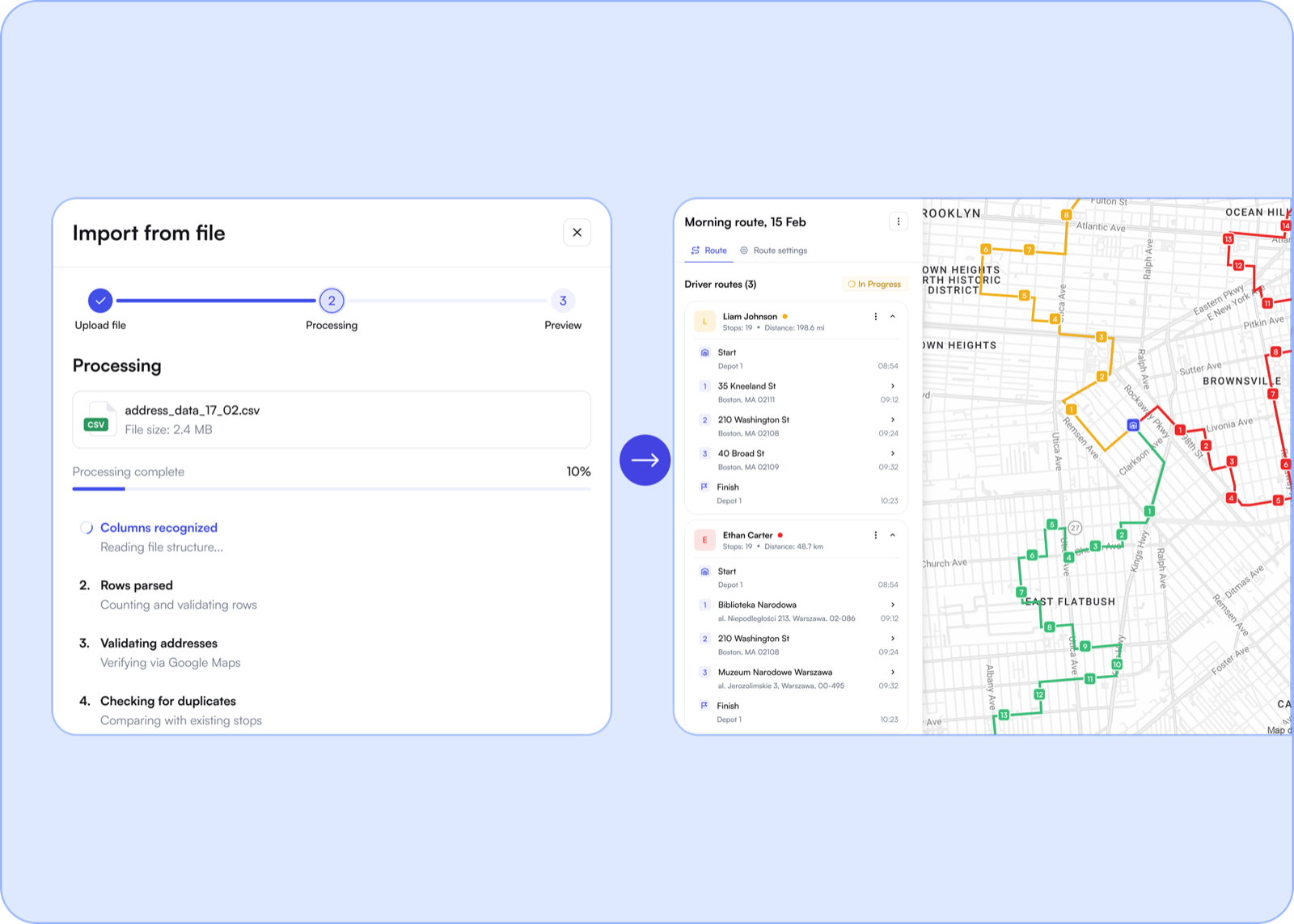
Route dispatch software does not just hand drivers a list. It makes stop-order decisions that a human dispatcher cannot make at scale:
The result is a route built on real road times, not on the order addresses appeared in a spreadsheet. Because the optimizer runs in seconds, the dispatcher can re-plan when cancellations or priority adds come in. That is the difference between dispatch routing software and a shared map. The map shows where stops are. Routing and dispatch software decides who drives them and in what order — something a dispatch route planner bolted onto a group chat never does.
Manual dispatch is really manual math. You are guessing which driver is closest, who has room, and who will still make a 2 PM window. Automated dispatch software does that arithmetic in one pass and hands you a plan you can adjust — a dispatch planning system rather than a blank map.
The gain compounds. Ten minutes saved per driver each morning across five drivers is close to an hour a day back, every day, without adding headcount. That is why order dispatching software pays off sooner for small teams than for large ones: the same person is usually planning routes between customer calls.
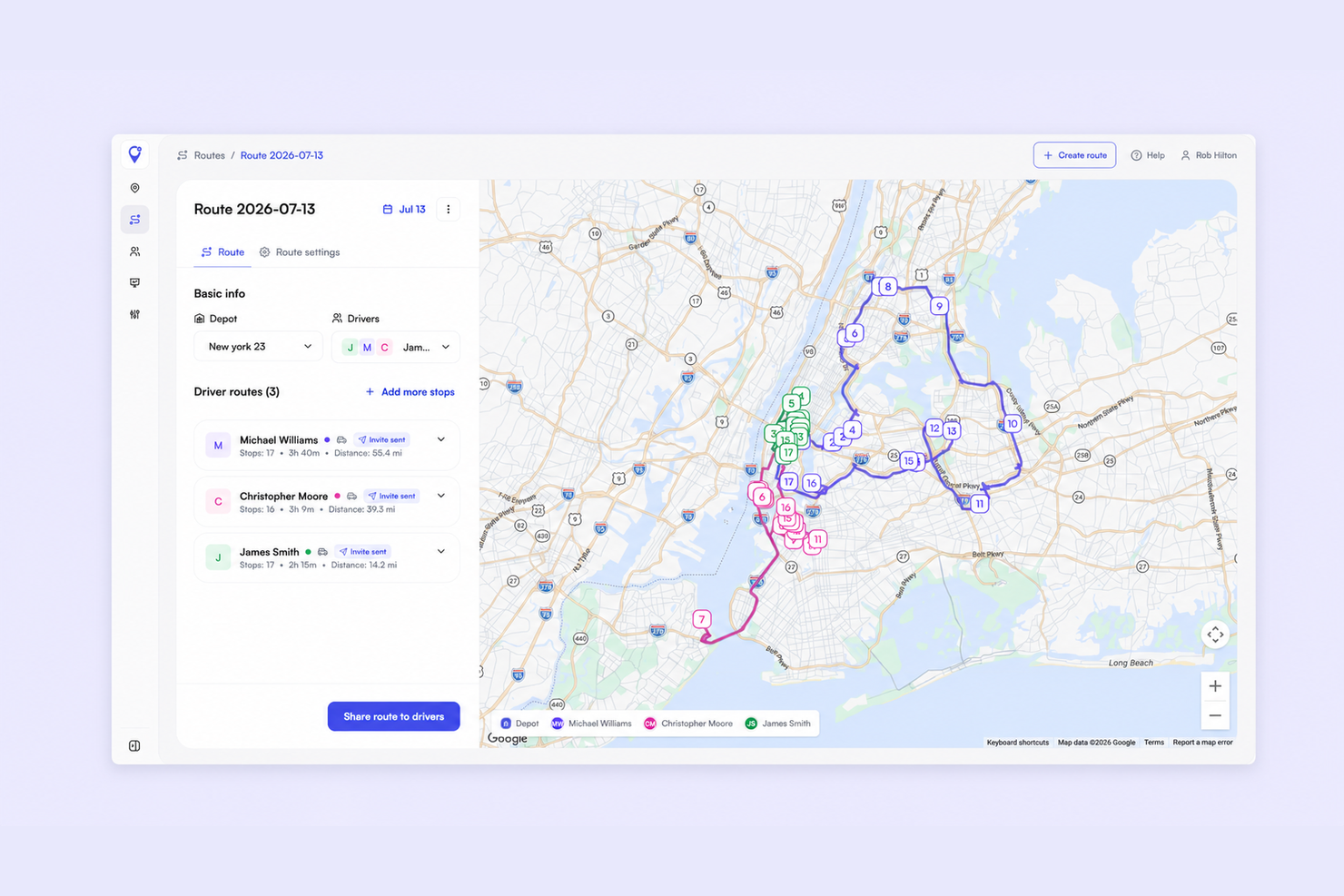
A plan made at 6 AM is a guess by 11 AM. Assigning routes without tracking is a one-way announcement: you push stops at the start of the shift and hope for the best until drivers return.
Dispatch tracking software (vendors also say dispatch tracking system or dispatch tracking solutions) shows each driver’s position, which stops are done, which failed, and which are slipping behind. When a route falls behind schedule, the dispatcher sees it before the customer calls and can move work before it becomes a complaint.
Real-time dispatch software only works if everyone sees the same thing. Because it runs in the browser, web-based cloud dispatch software means the person answering the phone sees the same board as the person in the warehouse — no installs, no one office computer that has to stay on. Drivers carry the other half: mobile dispatching software on their own iPhone or Android phone. That driver dispatch software receives the route and sends status back in real time. Internet access on the phone is all it needs — no radios, no dedicated devices.
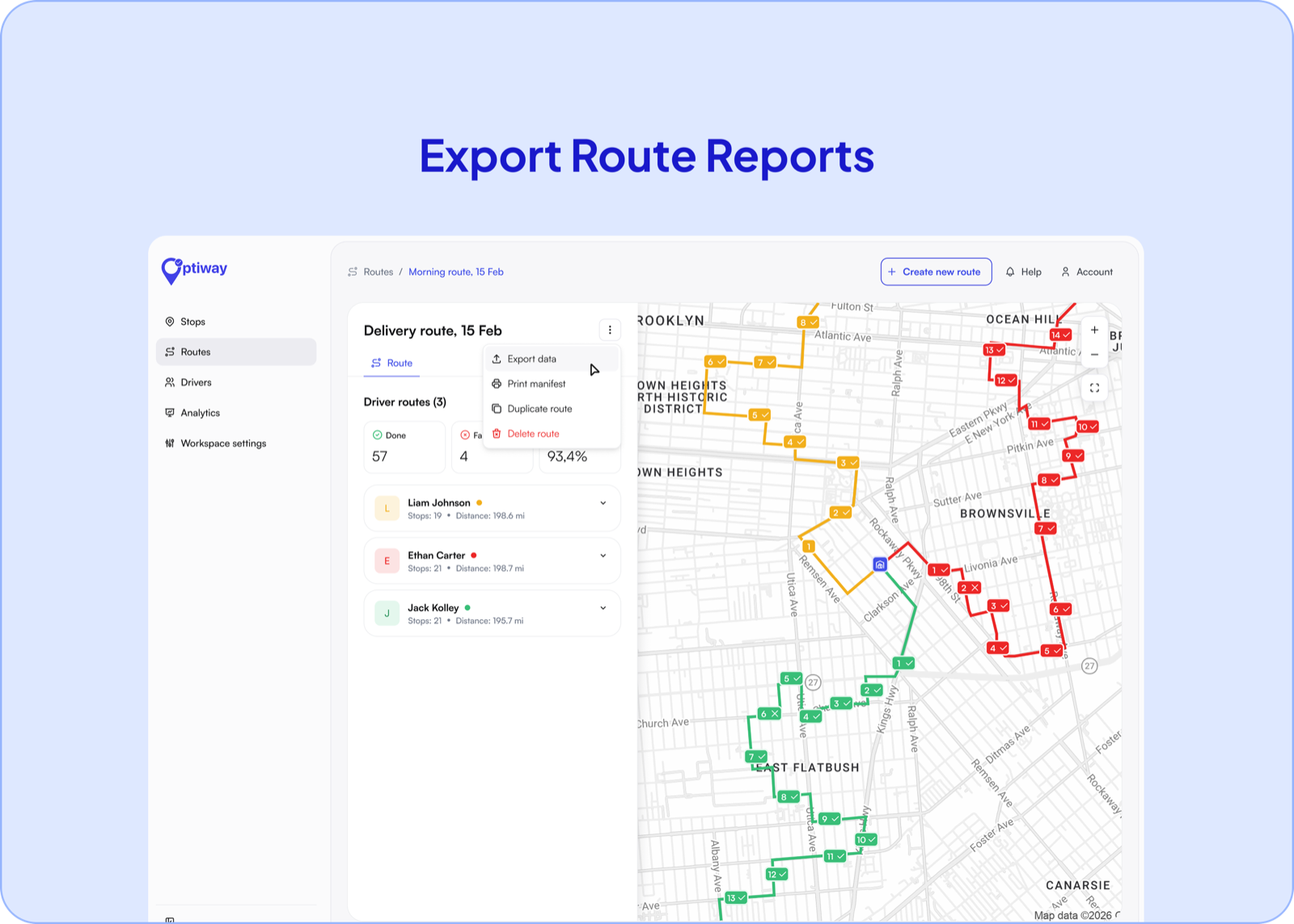
On top of tracking sits the part fleet dispatching software is often bought for: analytics — success rate, completed and failed stops, and each driver’s completion rate across the week. These numbers come from a dashboard, not from the dispatcher reconstructing the day from memory every Friday.
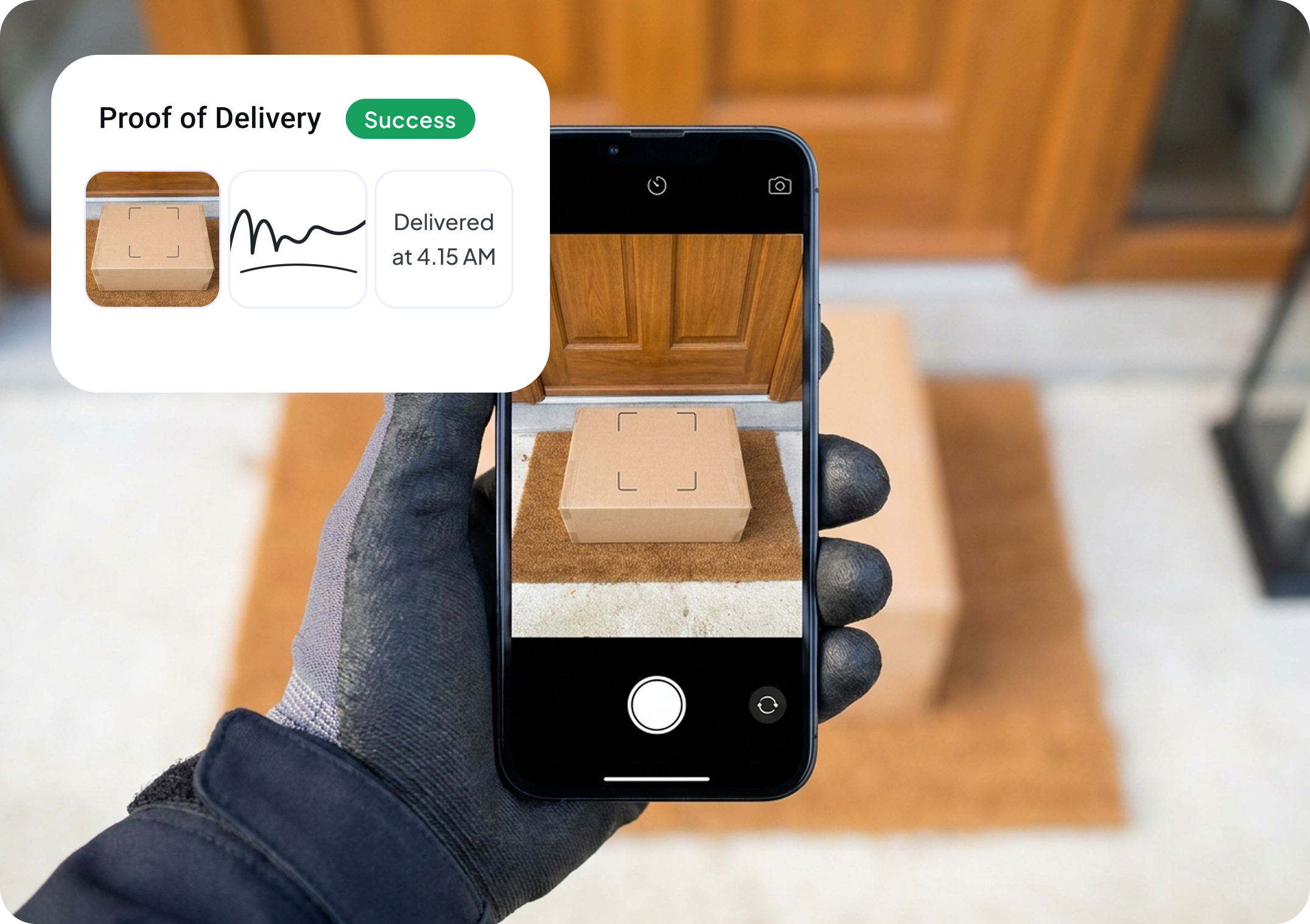
For a small operation, one contested delivery can cost more than a month of software. Proof of delivery closes that gap at the doorstep.
Everything lands on the stop record. When a client asks about a drop from three weeks ago, the answer takes seconds instead of an afternoon of scrolling through chats. For teams running client contracts, that record is the difference between a credit note and a closed conversation — one reason courier dispatch software tends to pay for itself on disputes alone. More on how it works in the driver app: proof of delivery app.
Search for dispatch software and much of the first page is built for HVAC, plumbing, and electrical teams. Those tools are good — at a different job. They are organized around work orders, technicians, and job duration. Work order dispatch software will happily book a technician for a two-hour visit.
Delivery is organized around stops, sequence, and time windows. A field service platform was never designed to sequence 80 drops into the shortest loop. Delivery dispatch software starts from the route and adds the dispatch layer on top.
The practical test when you compare tools: ask how many stops one route handles, and whether the system reorders them for you. If the answer is “you arrange them,” you are looking at a scheduling calendar, not dispatch software. For prices side by side, see our comparison of delivery route planning software for small teams and the shortlist of courier dispatch software.
Optiway Dispatch is a web dispatch platform that covers the full workflow, from stop list to confirmed drop:
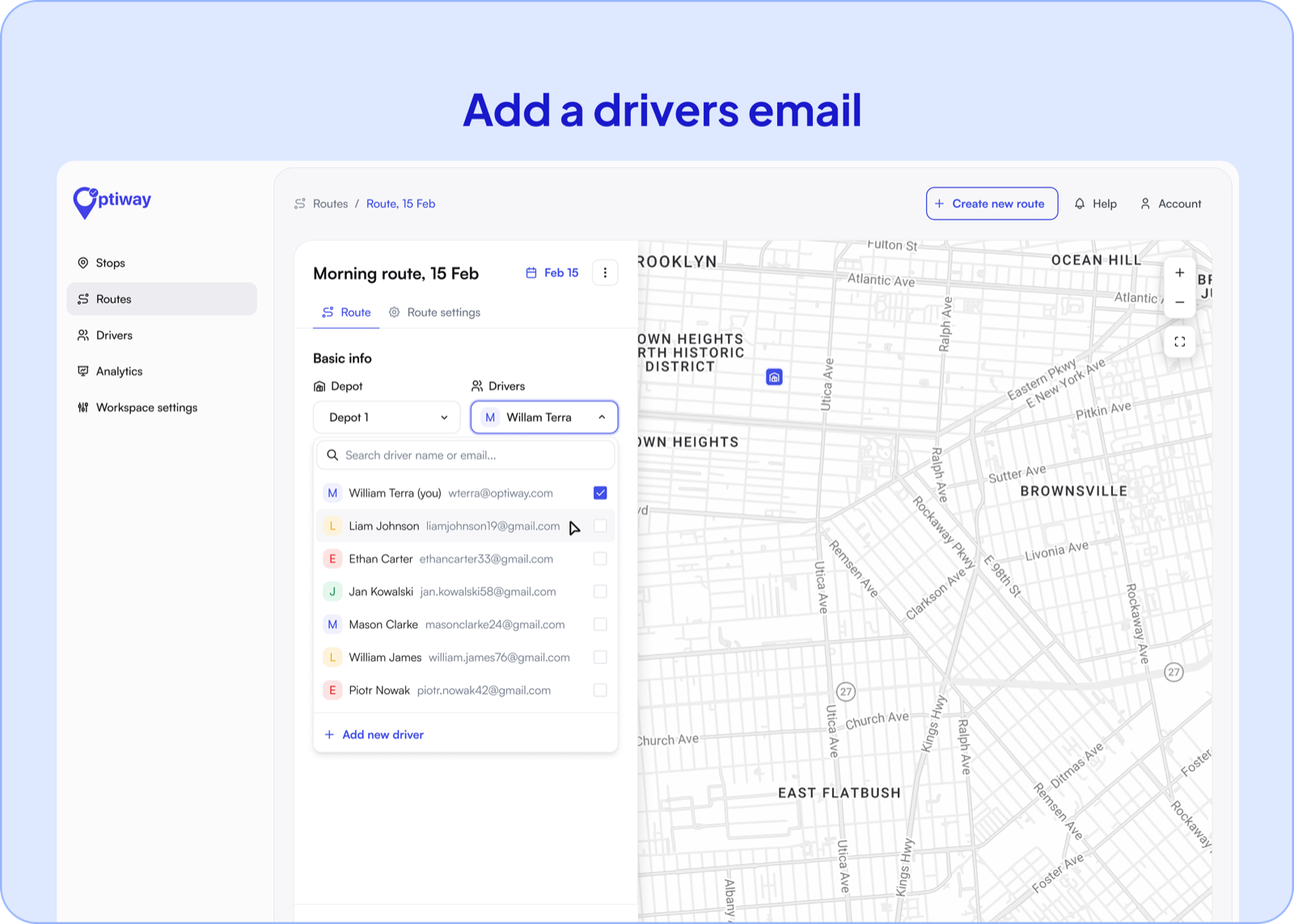
Teams start on Early Access at no cost: 300 stops a calendar month, every feature, no credit card. The Team plan raises the allowance to 2,000 stops for $99 a month, and Business to 5,000 for $199. Pricing follows the stops you plan, not the number of drivers, so adding people to the team does not move the bill.
What is dispatch management software?
Software that plans delivery routes, assigns them to drivers, tracks progress in real time, and captures proof of delivery. It is also called a dispatch management system or simply a dispatch system. It replaces spreadsheets, group chats, and phone-call coordination with one workflow.
How is dispatch management software different from a route planner?
A route planner optimizes stop order for one driver. Dispatch management software is scheduling & dispatch in one place: it adds assignment across several drivers, live tracking, proof of delivery, and reporting — the full workflow from planning to confirmation.
What is a good dispatch tool for a courier company with several drivers?
Look for four things for managing dispatch across several drivers, including same-day deliveries: stop import from a spreadsheet, route optimization that splits one list across drivers, live tracking, and proof of delivery. A basic delivery dispatch tool that does those four well beats a large platform you only half use. Optiway Dispatch covers all four and starts free.
How many drivers do I need before dispatch software is worth it?
Two is usually enough. The moment one person plans routes for somebody else, you are dispatching — the only question is whether you do it in a spreadsheet or in a system.
Can I build my own dispatch and scheduling system?
You can stitch one together from a spreadsheet, Google Maps, and a group chat, and many teams do at two or three drivers. What is hard to build is route optimization across several drivers, live tracking, and proof of delivery. A free plan is usually cheaper than the hours a home-made system costs.
How does dispatch software integrate with route planning tools?
In most delivery dispatch software, route planning is built in rather than bolted on: the same system optimizes the stops, assigns them, and maps every driver. In Optiway Dispatch there is nothing separate to connect — you import stops, optimize, and dispatch from one board.
Do I have to replace how we take orders?
No. Most teams start by importing a CSV or Excel file. If your orders live in another system, the Optiway API can create stops from it, and a Zapier integration is available by invite.
Can drivers use their own phones?
Yes. Routes go to the driver app on iPhone or Android, with one-tap navigation into Apple Maps, Google Maps, or Waze. There is no hardware to buy.
What does proof of delivery include in Optiway?
A photo, a signature, or a written note at each stop. The record is timestamped and attached to the delivery. Optiway does not capture barcode scans.
What does it cost for a small team?
Early Access is free and covers 300 stops a calendar month; Team is $99 a month for 2,000 stops and Business $199 for 5,000. Every plan includes all features and unlimited drivers.
Every morning spent copying addresses into a group chat is a morning your drivers sit idle in the lot. You do not need a dispatcher on payroll to run a tidy delivery day — you need one board, one assignment step, and a record at the end of it.
Import tomorrow’s stop list, split it across your drivers, and watch the first dispatched day run without a single screenshot. Start free on Early Access.
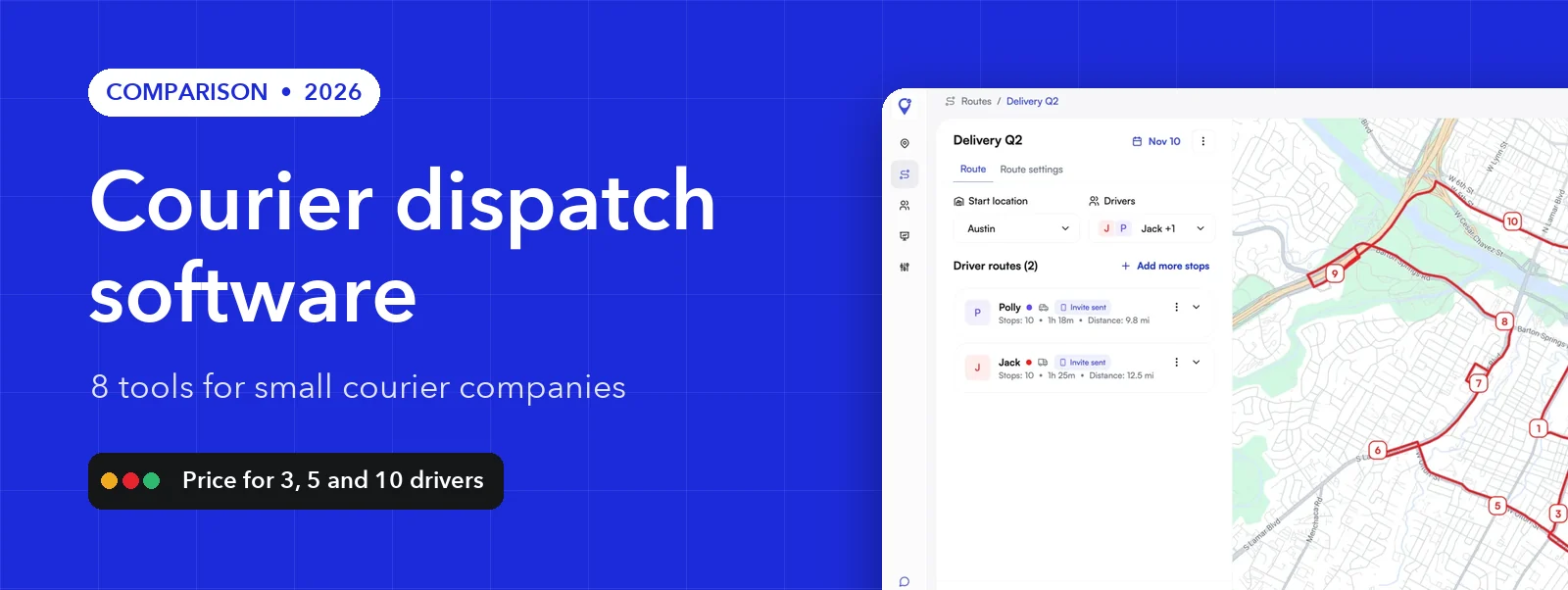
Best Courier Dispatch Software for Small Courier Companies in 2026
Eight courier dispatch tools compared on price for 3, 5 and 10 drivers, free plans, and routes vs on-demand jobs.
Free Dispatch Software for Delivery Teams
What free dispatch plans include, where limits appear, and how to start.
Delivery Scheduling Software: Stop Guessing When Drivers Will Arrive
Delivery scheduling software assigns time windows, optimizes stop order, and gives every driver an ETA-backed route.
Delivery Management System: From Stop List to Confirmed Drop
A delivery management system turns address lists into optimized routes, tracks drivers live, and captures proof of delivery at every stop.
Plan, assign and track every driver — live, from one dashboard.