Trucking Dispatch Software: Route Every Truck from One Board
Trucking dispatch software replaces paper manifests with optimized multi-stop routes, live tracking, and delivery confirmation for local fleets.

Business
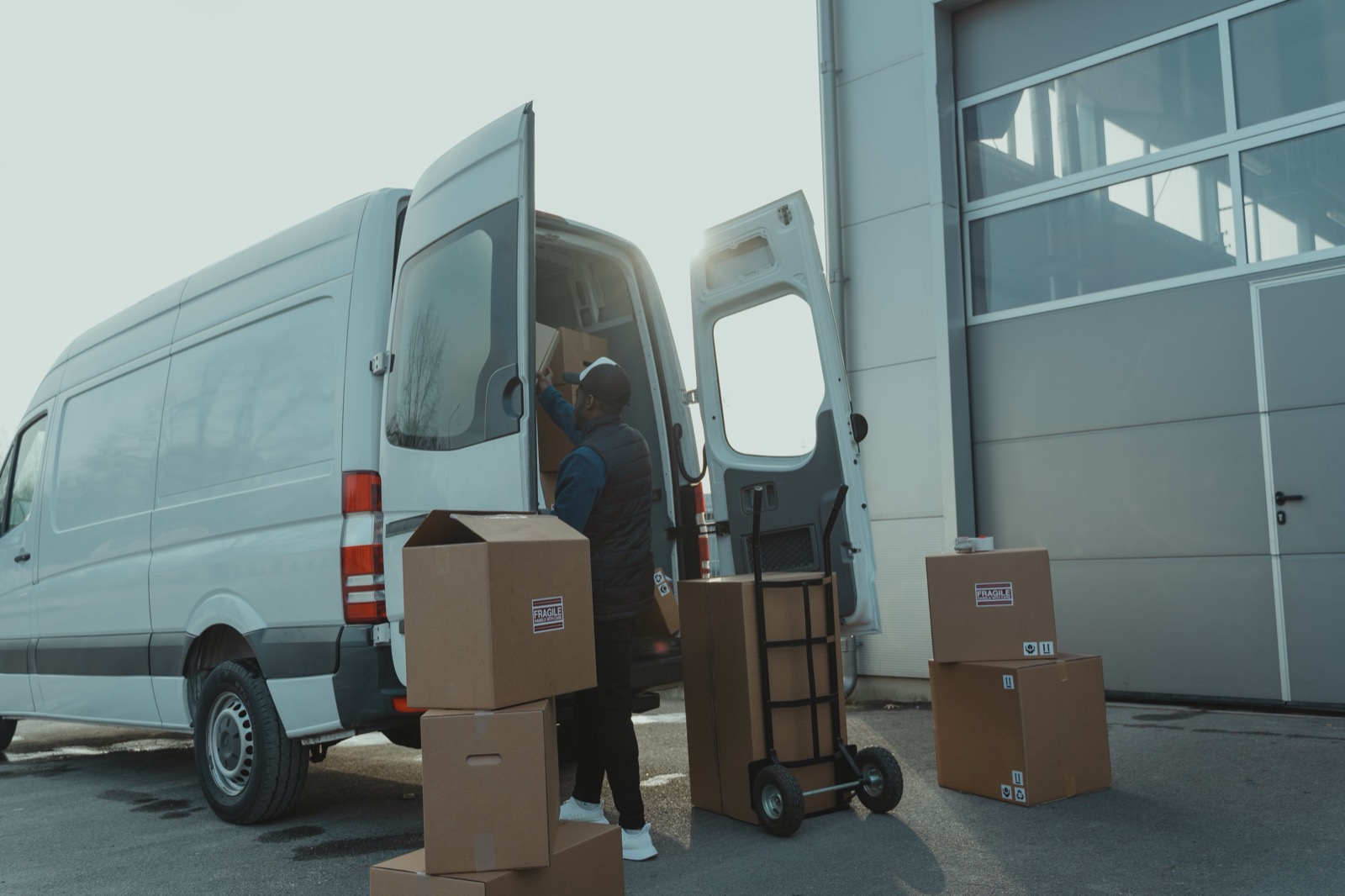
A dispatcher at a flower shop is running a Valentine’s Day operation with four drivers, a shared Google Sheet, and a group chat that buzzes every 90 seconds. By noon one driver delivers to the wrong address, another skips a priority stop, and nobody can tell the customer when their arrangement will arrive. The sheet has the data. What’s missing is a delivery management system that turns the data into action—optimized routes, tracked drivers, and confirmed drops.
That gap between “we have addresses” and “we know what happened” is where most delivery teams lose hours, miss windows, and guess instead of report.
A spreadsheet holds addresses. A chat app pushes updates. Neither one sequences stops by drive time, flags time-window conflicts, or proves a package was handed over. As stop counts grow, the gaps compound:
A delivery management system replaces this patchwork with one workflow: import stops, optimize, dispatch, track, confirm.
A delivery management system covers four stages of every route:
Some teams only need stages one and two today. Others already track but cannot confirm. The value of a single delivery management software platform is that all four stages share the same data—the route plan feeds the tracking map, and the tracking map feeds the delivery report.
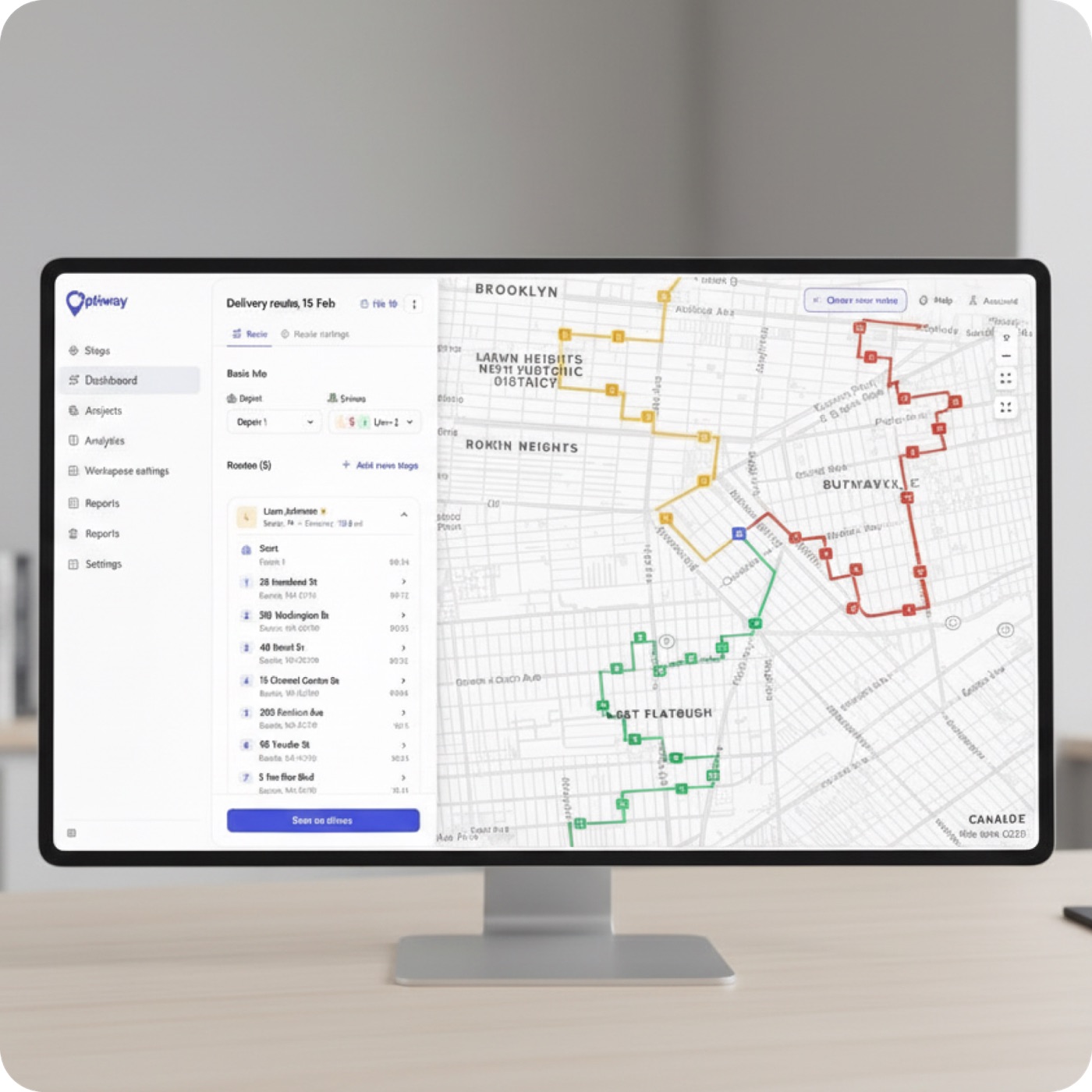
The most visible feature of any delivery management system is route optimization: stop sequencing that accounts for real drive times, not straight-line distances.
What matters in practice:
Delivery scheduling software becomes critical when the same team runs morning, afternoon, and next-day routes. Without sequencing, drivers decide the order themselves—and the decision is usually “start with whichever address I recognize.” Route optimization software removes that guesswork by building each route around actual drive times and constraints.
A dispatch board without live tracking is a one-way megaphone. You assign routes but cannot see what happens next.
Delivery tracking software shows each driver’s position, which stops they have completed, and where they are headed. That data answers the customer question—“where is my order?”—without a text-message relay.
Proof of delivery closes the last gap. When a driver marks a stop complete, the system captures:
Proof of delivery software replaces the “done” text with auditable evidence. For teams that bill per delivery or handle high-value goods, that evidence is the basis for every invoice and every dispute resolution.
KPI tracking rounds out the confirmation stage. On-time rates, delivery success, and driver utilization flow into a reporting dashboard, so dispatchers spot patterns rather than guess at end-of-day.
Optiway covers the full planning-to-proof cycle:
For a solo driver, the Route Planner app plans routes of up to 200 stops with time windows and one-tap navigation, from $19.99 a month. Delivery management software plans for teams begin at nothing at all: Early Access is free and covers 300 stops a calendar month, and Team raises that to 2,000 for $99 a month. Both include every feature and unlimited drivers.
One clarification: proof of delivery captures a photo, a signature, or a note—not a barcode.
What is a delivery management system?
A delivery management system is software that covers the full delivery cycle: importing stops, optimizing routes, dispatching drivers, tracking them in real time, and capturing proof of delivery at each stop.
How is delivery management software different from a route planner?
A route planner sequences stops. Delivery management software adds dispatch, live tracking, customer notifications, proof of delivery, and reporting on top of route optimization.
Does Optiway work for one driver or only for teams?
Both. Solo drivers use the free mobile app for route optimization and navigation. Teams use Optiway Dispatch for multi-driver assignment, live tracking, and proof of delivery, free on Early Access for up to 300 stops a month.
Can I import stops from a spreadsheet?
Yes. The app reads .xlsx and .txt files. The web platform reads .csv, .xls, and .xlsx, and also supports API-based order import.
A shared spreadsheet and a group chat got your deliveries started. A delivery management system keeps them reliable as the operation grows. Import your stop list, optimize routes, dispatch drivers, and confirm every delivery—in one platform.
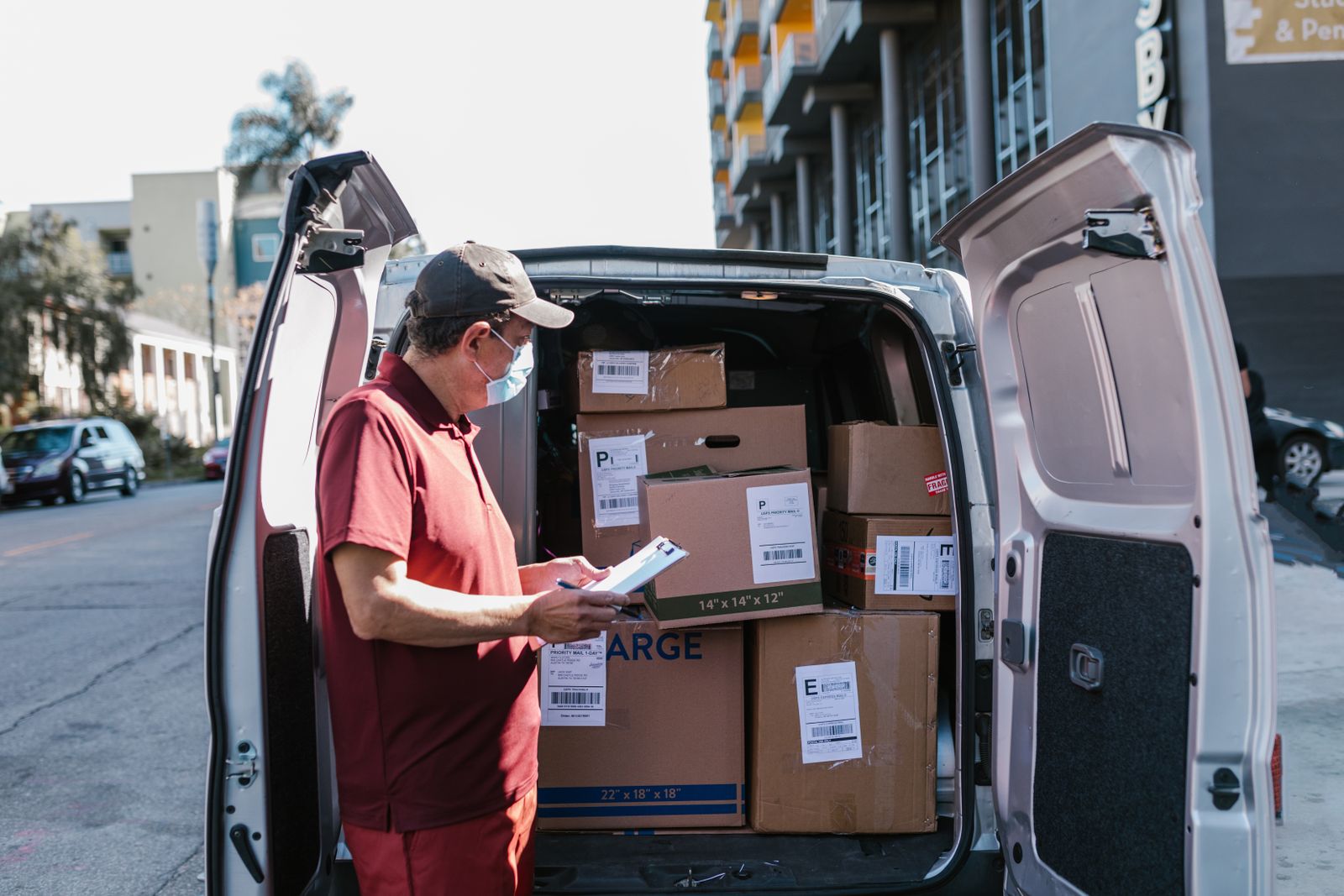
Trucking Dispatch Software: Route Every Truck from One Board
Trucking dispatch software replaces paper manifests with optimized multi-stop routes, live tracking, and delivery confirmation for local fleets.
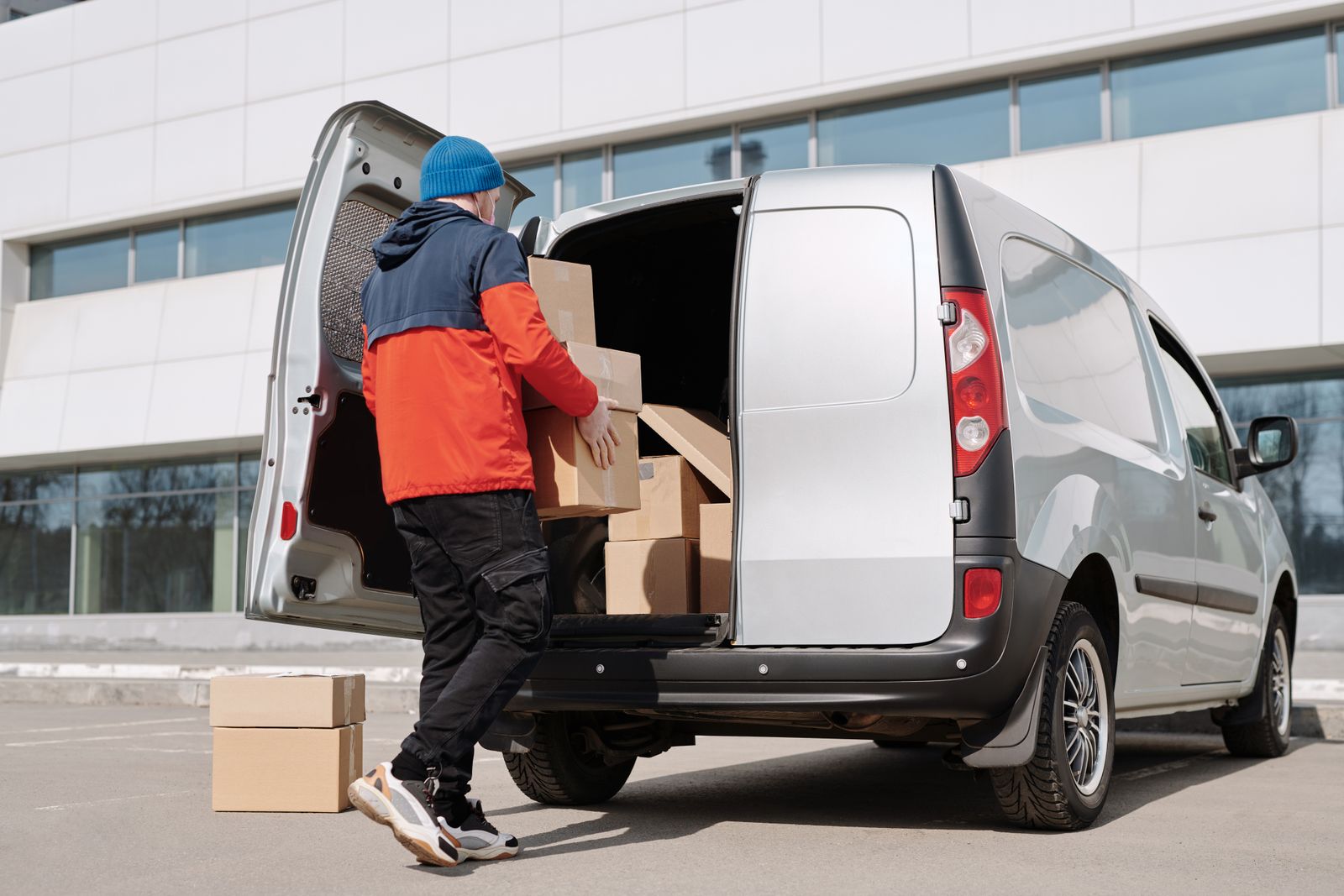
Dispatch Systems: Assign, Track, and Confirm Every Route
Dispatch systems replace clipboard routing and text-message tracking with optimized routes, live driver maps, and delivery confirmation.
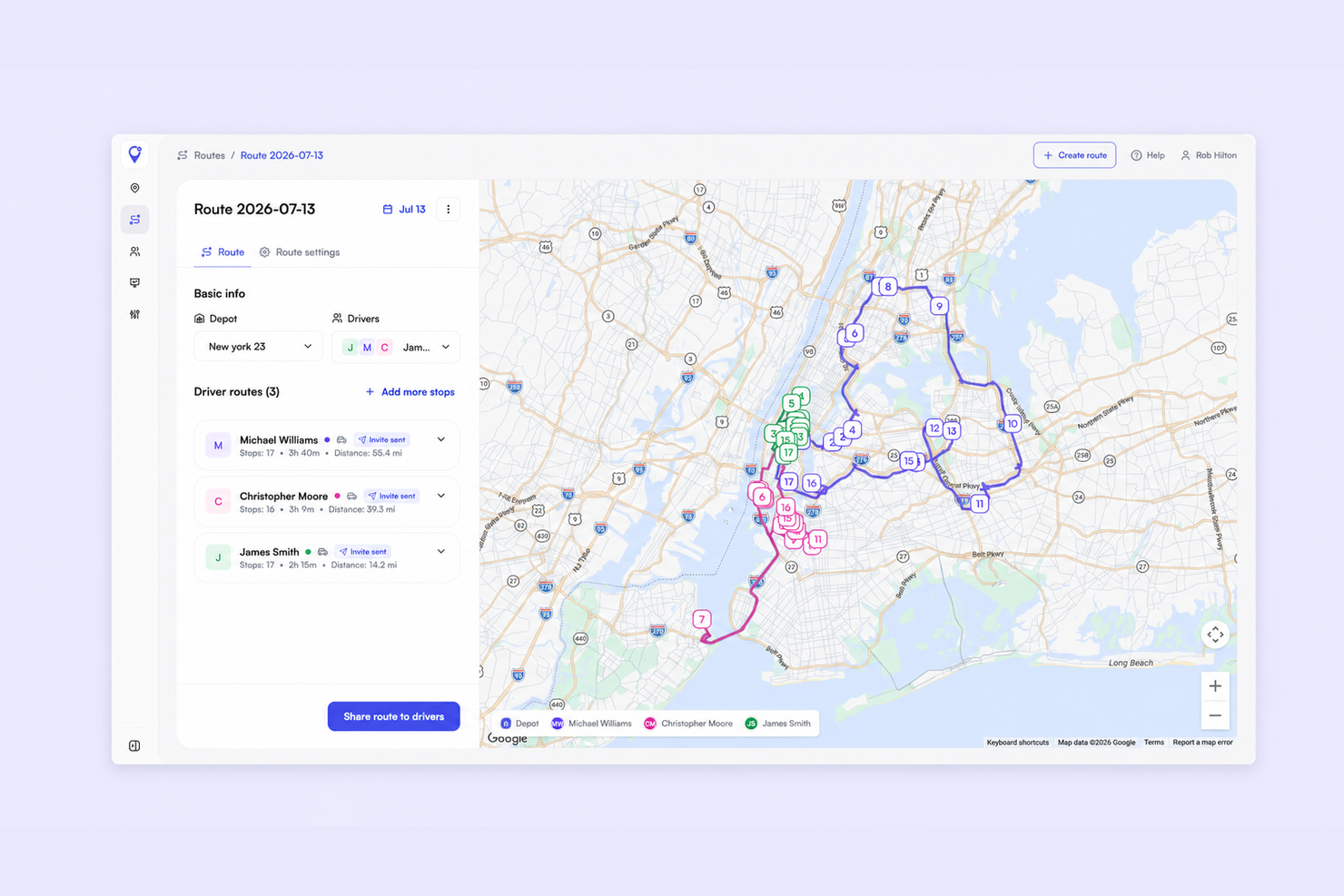
Small Business Dispatch Software: Assign Routes Without a Spreadsheet
How small delivery teams replace group-chat dispatch with one board - assign routes, track drivers live, and capture proof of delivery.
Route Optimization Software for Delivery Teams
Route optimization software reorders stops by drive time and distance. See how it fits daily delivery operations.
Free Dispatch Software for Delivery Teams
What free dispatch plans include, where limits appear, and how to start.
Plan, assign and track every driver — live, from one dashboard.